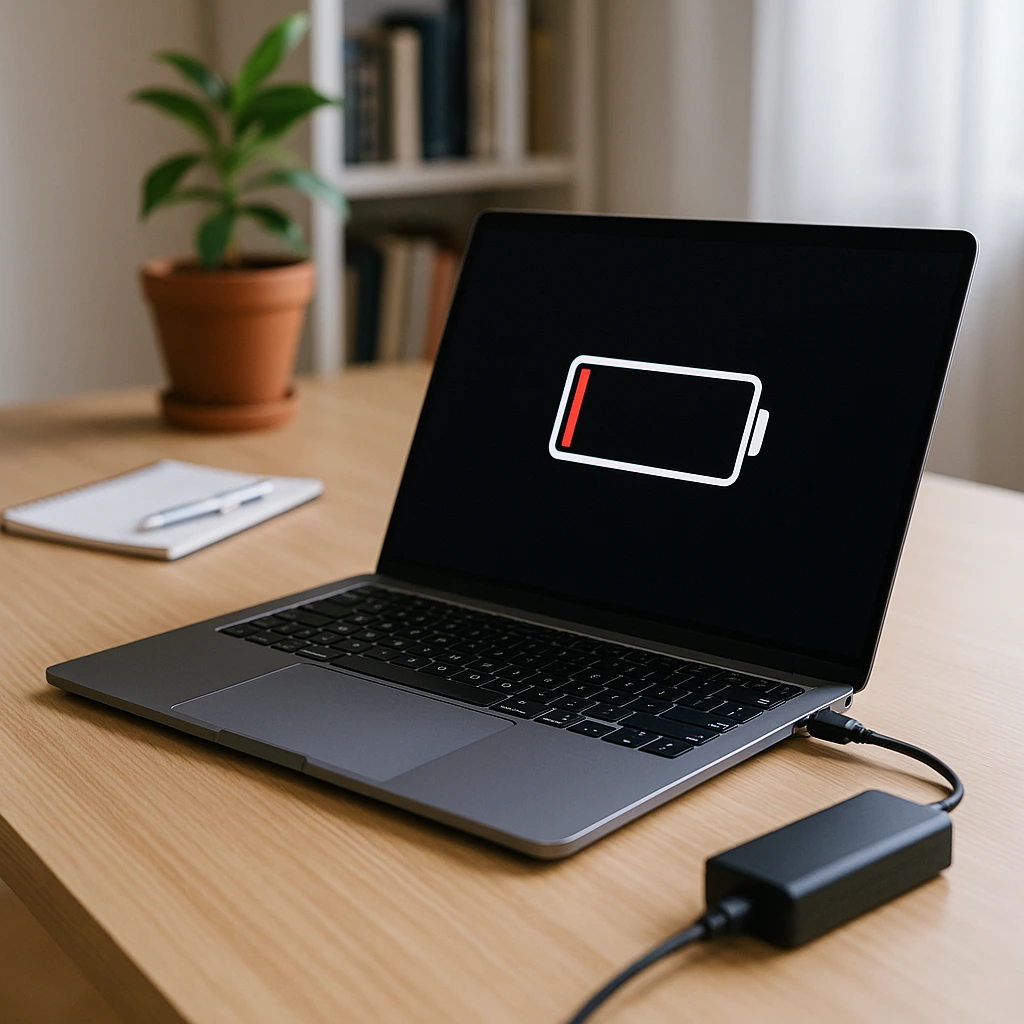
Battery Problems? How to Tell When Your Phone or Laptop Needs a New Battery
Your battery doesn't fail all at once — it sends signals first. Most people dismiss them as normal slowdowns or blame their charger, when the real problem is a battery that's well past its prime. At Cybrix Electronics, battery replacements are one of our most common repairs, and almost every customer tells us the same thing afterward: "I wish I'd done this sooner."
Here's how to know when your battery needs attention — and what you should stop believing about how to charge your devices.
5 Warning Signs Your Battery Needs to Be Replaced
1. Your device dies before hitting 0% If your phone shuts off at 20%, 30%, or even 40%, your battery can no longer hold an accurate charge. The reported percentage and the actual capacity no longer match — a classic sign of battery degradation.
2. It takes forever to charge — or drains ridiculously fast A healthy battery charges at a consistent rate and holds its charge through normal use. If you're charging for hours and still barely hitting 80%, or if a full charge disappears within a couple of hours of light use, your battery's capacity has dropped significantly.
3. Your device feels unusually hot Some warmth during charging or heavy use is normal. Consistent, uncomfortable heat — especially during idle use — is not. A degraded battery works harder to deliver the same power, generating excess heat in the process. This isn't just inconvenient; it can damage other components over time.
4. Your device restarts randomly or freezes Unexpected reboots and freezes are often blamed on software, but a failing battery is frequently the real cause. When the battery can't sustain a steady power output, the system crashes to protect itself.
5. Your battery or back cover is visibly swollen This is urgent. A swollen battery is a safety hazard. The cells inside are producing gas — a sign of chemical breakdown. If your phone's back cover is bulging or your laptop keyboard feels raised, stop using the device and bring it in immediately.
The Biggest Battery Myths — Busted
"You should always charge to 100% and drain to 0%" This was true for older nickel-cadmium batteries — not for the lithium-ion batteries in every modern phone and laptop. Fully draining and charging lithium batteries actually stresses them. Keeping your charge between 20% and 80% is far better for long-term health.
"Leaving it plugged in overnight ruins the battery" Modern devices have built-in charging circuits that stop pulling power once they hit 100%. Overnight charging won't cause an immediate problem, but keeping a battery at 100% for extended periods does add gradual wear. Many devices now have "optimised charging" settings that help — use them.
"Third-party chargers are fine" Not always. Cheap, uncertified chargers don't regulate voltage properly, which can stress the battery and in some cases cause overheating or swelling. Stick to certified chargers from reputable brands, or ask us — we stock quality replacements.
"A new battery will make my old device feel brand new" Actually — yes, this one is mostly true. A fresh battery genuinely transforms a sluggish device. Many customers are amazed at how much speed and responsiveness returns after a battery swap. It's one of the most cost-effective repairs you can make.
How Long Should a Battery Last?
On average, lithium-ion batteries are rated for 300–500 full charge cycles before noticeable capacity loss. For most users, that's roughly 2–3 years of regular use. After that, you're typically looking at 70–80% of the original capacity — and it only goes down from there.
iPhones, for example, show battery health directly in Settings → Battery → Battery Health. If you're under 80%, Apple recommends replacement — and we'd agree. Android users can check battery health through third-party apps or bring the device in and we'll check it for free.
What the Battery Replacement Process Looks Like at Cybrix Electronics
Battery replacement is one of the quickest repairs we do. Here's the typical process:
We start with a free diagnostic — checking your current battery health, charge cycles, and whether the battery is the actual cause of your symptoms. If it is, we source a quality replacement battery matched to your specific model. The swap itself usually takes under an hour, and we test everything thoroughly before it goes back to you.
No data is lost. No long waits. Just a device that works like it should again.
Why Replace Instead of Buying a New Device?
A battery replacement at Cybrix Electronics costs a fraction of what a new phone or laptop costs. If your device is otherwise in good condition — good screen, solid performance, no other hardware issues — replacing the battery is almost always the smarter financial decision.
We've seen customers spend hundreds on a new phone when a battery swap would have solved everything for far less. Before you upgrade, let us take a look.
Book Your Battery Check Today
Don't wait until your device is shutting off mid-meeting or swelling in your pocket. At Cybrix Electronics, we offer:
- Free battery diagnostics — know exactly what's going on before you commit to anything
- Free pickup and delivery — we collect your device, fix it, and bring it back, all within one day
- Same-day turnaround — most battery replacements are done the same day we receive the device
- Quality parts — we use reliable replacement batteries tested for safety and performance
Your battery is a small part with a big impact. Let's fix it properly.
Contact Cybrix Electronics today — we'll come to you.